No sales call needed. Here's exactly what your crew taps through, day to day. Prefer to poke around yourself? Open the live demo app →
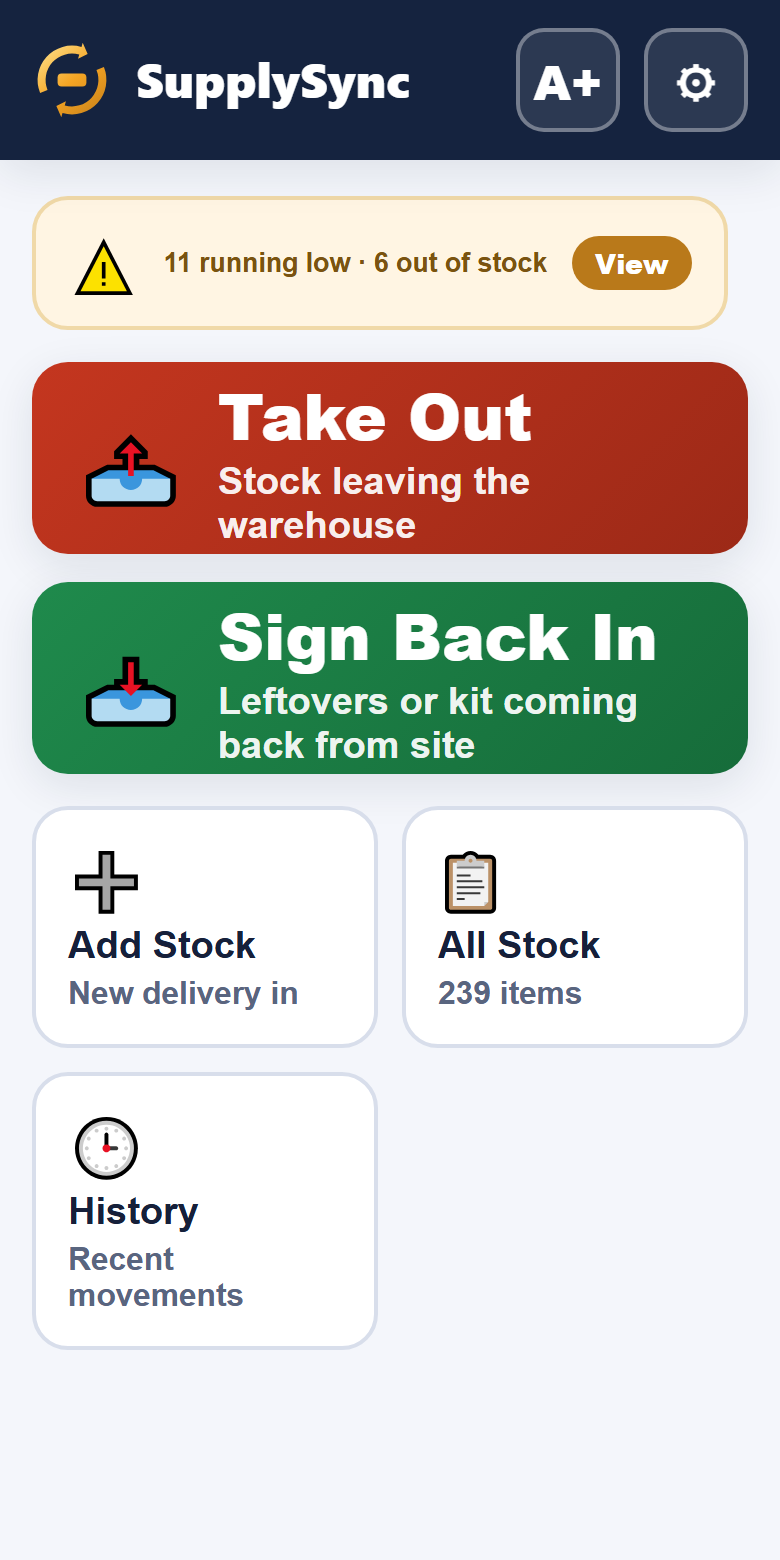
One screen. Two big buttons — Take Out and Put Back — plus a live count of anything running low or out.
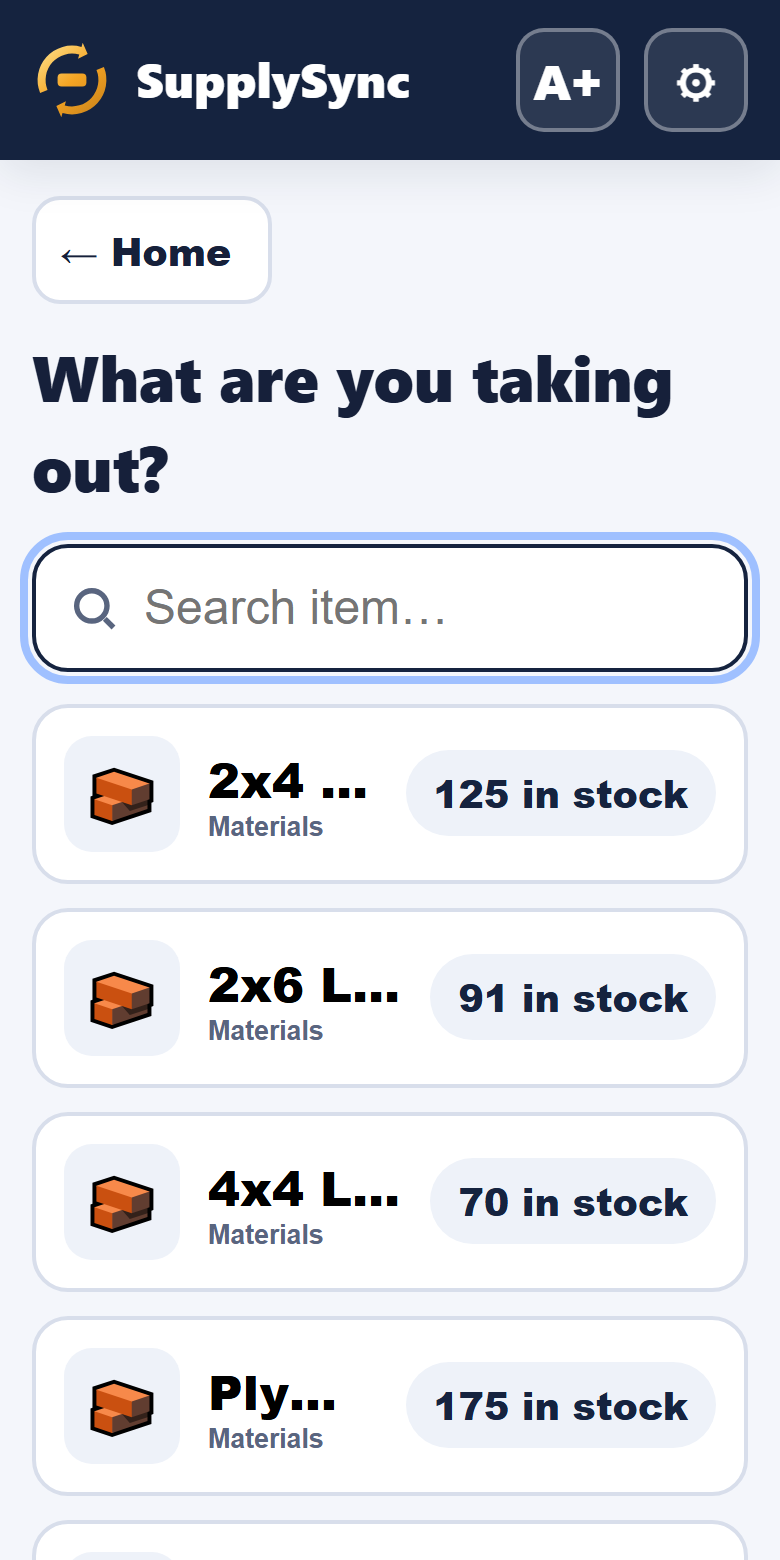
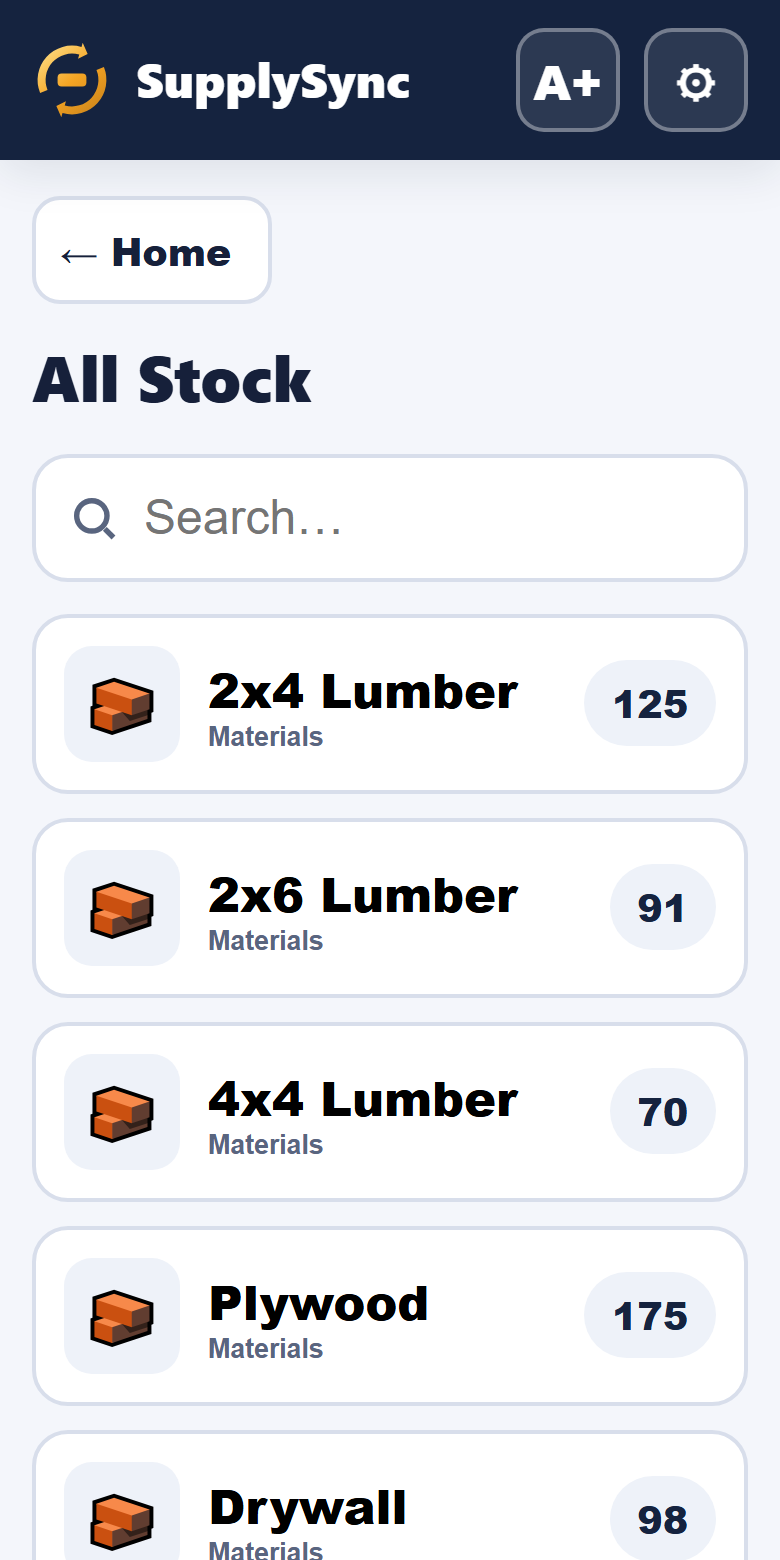
"42 in stock · 2 running low"Search or scroll the items, each with a photo. The crew taps the one they're grabbing — say, Cement.
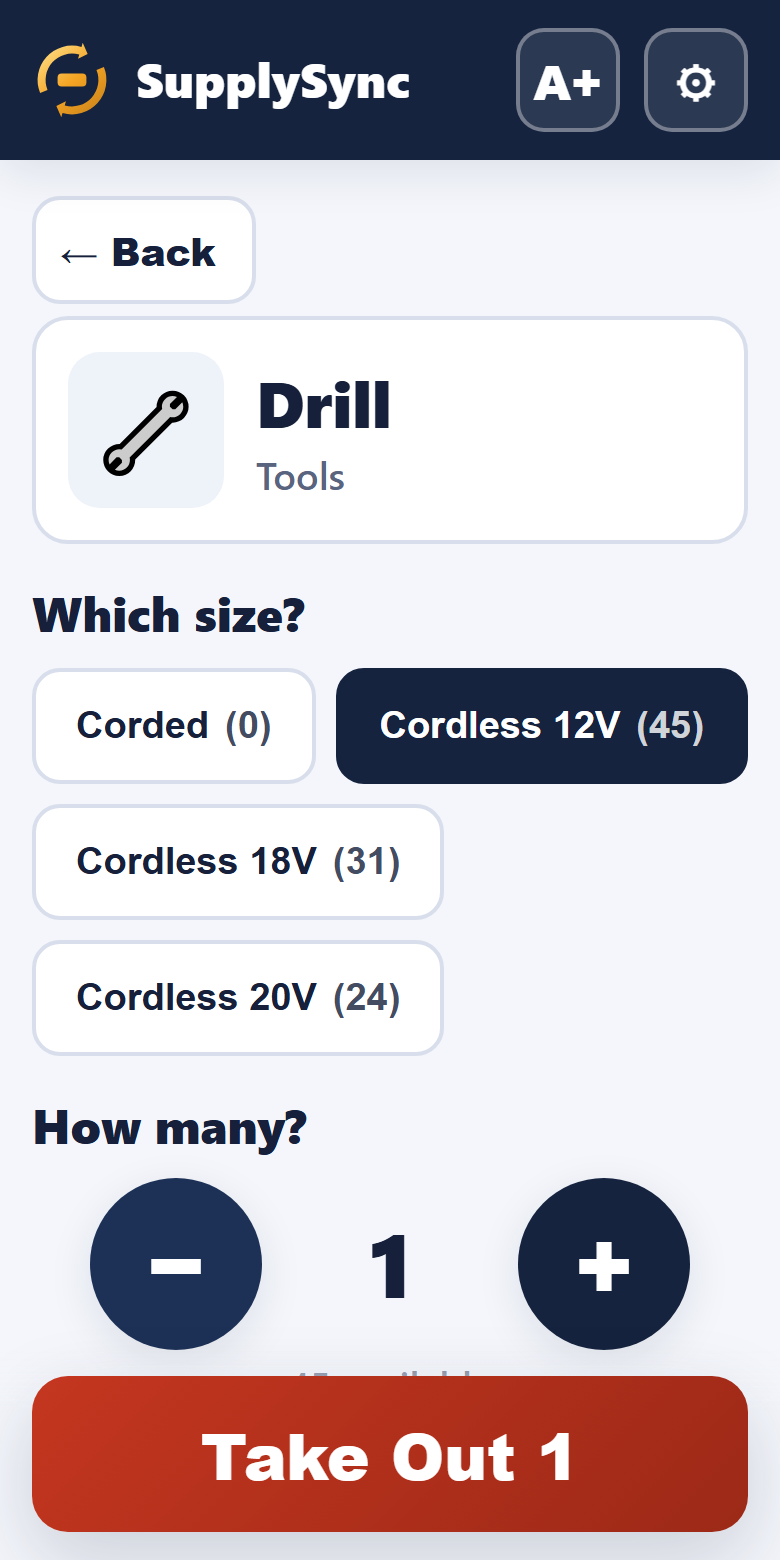
Pick the item — no codes to rememberChoose the size, then a giant +/− stepper for the quantity. You physically can't take out more than is on the shelf.
"3 × Cement 25kg"One tap each for the job site and the person. That's the bit that ends "who took the SDS drill?" forever.
"→ Sam · King's Langley"A green tick, the stock count drops live, and an Undo button sits right there in case of a fat-finger.
"✅ Took out 3 Cement · Undo"Returning a tool? SupplySync matches it to the job it left on automatically and tops the count back up.
"↩️ Drill returned from King's Langley"7-day free trial · no card to start
 SupplySync